
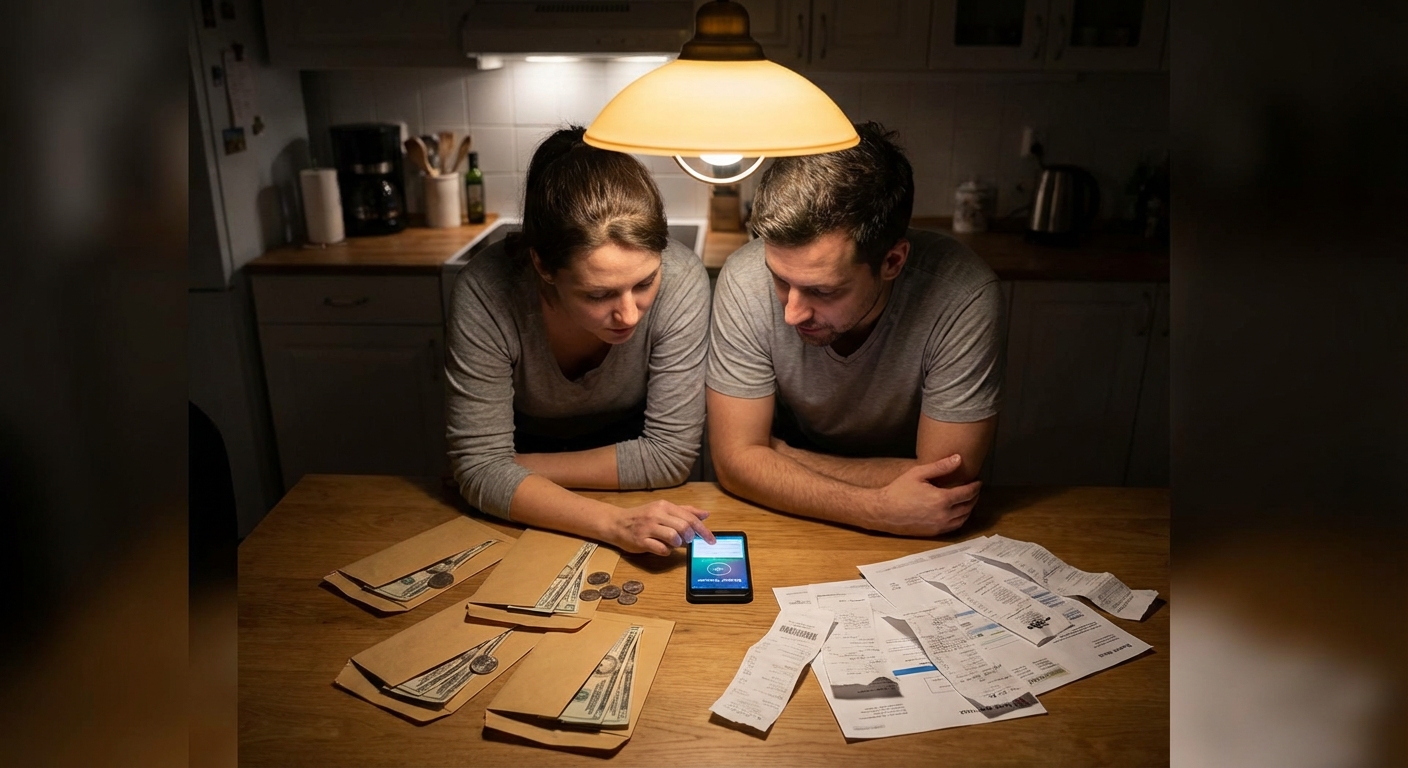
Most people don’t quit budgeting because the math is hard. They quit because the system they chose doesn’t fit how they actually live.
Why Your Budgeting System Matters More Than You Think
If you hate handling cash, traditional envelope budgeting may feel exhausting. If you never check apps, a digital system won’t save you. The secret is choosing a method that matches your habits and personality.
Let’s compare two popular approaches—envelope budgeting and digital budgeting—so you can decide what works best for you.
What Is Envelope Budgeting?
Envelope budgeting is a cash-based system where you:
Decide your spending categories (like groceries, gas, eating out)
Take out cash for each category
Put the cash in labeled envelopes
Spend only from the right envelope
When an envelope is empty, you stop spending in that category until the next budget period.
Example Setup with Numbers
Let’s say your monthly take-home pay is $2,400. After paying fixed bills through your bank (rent, utilities, phone, etc.), you have $900 left for variable spending and savings.
You decide to use envelopes for:
- Groceries: $320
- Gas: $140
- Eating out: $160
- Fun/entertainment: $90
- Personal/household items: $80
Total envelopes: $790
The remaining $110 goes straight to savings or extra debt payments in your bank.
On payday, you withdraw $790 in cash and split it into envelopes labeled with those categories.
Pros of Envelope Budgeting
- Spending feels more real. Handing over cash makes you more aware of each purchase.
- Built-in limit. When the envelope is empty, you know you’ve hit your budget.
- Great for overspending triggers. Especially helpful if cards make it too easy to overspend on eating out, groceries, or shopping.
Cons of Envelope Budgeting
- Inconvenience. You have to visit the ATM and carry cash.
- Security. Carrying a lot of cash can feel unsafe.
- Online purchases. Harder to manage categories for online orders or subscriptions.
Envelope budgeting works best if you:
- Like tangible, physical systems
- Tend to overspend with cards
- Have fairly predictable monthly income
What Is Digital Budgeting?
Digital budgeting uses apps, spreadsheets, or bank tools to plan and track your money. You still choose categories and limits—but your money mostly stays in your bank accounts, not in physical envelopes.
Common approaches include:
- Budgeting apps (free or paid)
- Custom spreadsheets
- Bank tools that categorize transactions
A Simple Digital Budget Example
Same income: $2,400/month
You plan your month like this:
- Rent & utilities: $1,100
- Phone & internet: $110
- Insurance & debt minimums: $280
Fixed bills total = $1,490
Remaining: $910
You create digital categories:
- Groceries: $320
- Gas: $140
- Eating out: $160
- Fun/entertainment: $90
- Personal/household: $80
- Savings: $120
Instead of envelopes, you:
- Keep money in your checking account for spending
- Move $120 to a separate savings account
- Use an app or spreadsheet to track what you spend in each category
Pros of Digital Budgeting
- Convenience. No need to carry or sort cash.
- Works with online spending. Easy to include Amazon, subscriptions, and bills.
- Good for tracking trends. You can see patterns over months.
Cons of Digital Budgeting
- Easy to ignore. Apps only work if you open them.
- Spending can feel abstract. Swiping a card doesn’t “hurt” the same way cash does.
- Setup learning curve. Apps and spreadsheets can feel overwhelming at first.
Digital budgeting works best if you:
- Prefer using your phone or computer
- Buy a lot of things online
- Don’t like dealing with cash
Hybrid Budgeting: The Best of Both Worlds
You don’t have to choose just one. Many people succeed with a hybrid system:
- Pay fixed bills and savings digitally
- Use cash envelopes for 1–3 tricky categories (like eating out or groceries)
Hybrid Example
Using the $2,400/month income again:
Pay these digitally:
- Rent & utilities: $1,100 - Phone & internet: $110 - Insurance & debt minimums: $280 - Savings transfer: $120
Digital total: $1,610
Use cash envelopes only for:
- Groceries: $320 - Eating out: $160 - Fun money: $80
Envelopes total: $560
Leave a small buffer in checking for:
- Gas: $140 - Miscellaneous: $90
Checking buffer: $230
This way, you only manage three envelopes, not ten, which can feel much more doable.
How to Choose: A Quick Self-Test
Answer honestly. Which sounds more like you?
1. Your Spending Habits
- A. "If I use my card, I can lose track and spend more than I meant to."
- B. "I check my bank app fairly often and have a sense of my balance."
If you chose A, envelopes (or a hybrid system) might help.
If you chose B, digital could be enough.
2. Your Lifestyle
- A. "I mostly shop in person and don’t mind going to the ATM."
- B. "I shop online a lot and rarely carry cash."
More A’s → Envelope or Hybrid
More B’s → Digital or Hybrid
3. Your Personality
- A. "I like physical systems I can see and touch."
- B. "I’m fine with apps or spreadsheets if they’re simple."
Again, more A’s suggests envelopes might feel more natural; more B’s points to digital.
Getting Started: A 7-Day Plan for Either System
If You Choose Envelope Budgeting
Day 1–2:
- List your take-home income and fixed bills
- Decide which 3–5 categories you’ll use envelopes for (start small)
- Decide how much cash goes into each envelope this pay period
- Withdraw the cash
- Label envelopes (Groceries, Gas, Eating Out, etc.)
- Spend only from the correct envelope
- Jot down purchases on the back of each envelope if you like
Day 3:
Day 4–5:
Day 6–7:
If You Choose Digital Budgeting
Day 1–2:
- List your income and fixed bills
- Create 4–8 spending categories (groceries, gas, eating out, fun, etc.)
- Choose a tool: simple spreadsheet, app, or notes + bank app
- Set planned amounts for each category for your current pay period
- Log your transactions once or twice
- Check how much you have left in each category
Day 3:
Day 4–5:
Day 6–7:
It’s okay if it feels awkward at first. You’re building a skill.
Common Problems (and Fixes) for Both Systems
Problem 1: “I Keep Forgetting to Track”
Fix: Set a recurring reminder on your phone for a 5-minute money check-in every 2–3 days.
Problem 2: “My Categories Are Too Complicated”
Fix: Combine categories. Use just:
- Essentials (groceries, gas, etc.)
- Fun
- Savings/Debt
You can always add more detail later.
Problem 3: “Unexpected Expenses Keep Blowing Up My Budget”
Fix: Add a small ‘Miscellaneous’ or ‘Buffer’ category (even $20–$40) for surprises.
The Bottom Line: The “Right” System Is the One You’ll Use
There is no one perfect budgeting method. There is only:
- The system that matches your habits
- The system you’re willing to stick with long enough to learn from it
If cash feels real to you, try envelope budgeting.
If you live on your phone and buy online a lot, try digital.
If you’re not sure, start with a hybrid and adjust as you go.
You can always change your approach later. What matters most is this: you’re choosing your money plan on purpose instead of by default. That’s a powerful step forward.